
Welcome Package
Up to £5800+ 250 Free Spins
Sign up in under a minute

Bonus terms & conditions apply.
Gentleman Jim Casino Mobile App: Play on iOS and Android
Gentleman Jim Casino App
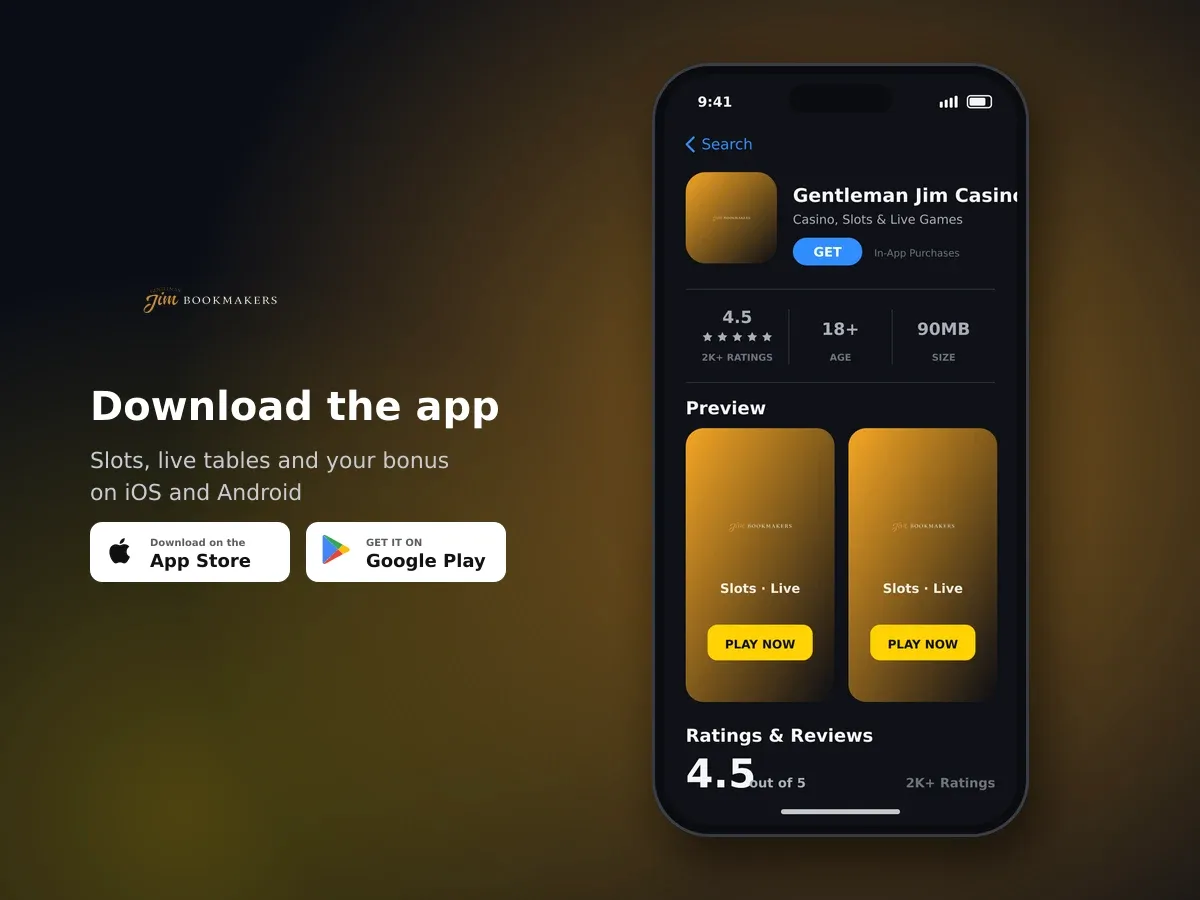
Gentleman Jim Casino
- 4.5 2K+ ratings
- 90MBSize
- 18+Age
- 30K+Downloads
Download for iOS or Android, or play straight in your browser
You have two ways to play on a phone or tablet with us. There is a dedicated Gentleman Jim Casino app for iOS, available from the Apple App Store, and a dedicated app for Android on Google Play. If you would rather keep your storage free, the site itself works in any standard mobile browser, with no download and nothing to install.
Use the App Store on an iPhone or iPad, or Google Play on an Android phone or tablet, and search for the casino by name.
Tap to install and let the download finish. The app then sits on your home screen like any other.
Open the app and sign in with your username and password. One account covers the app, the mobile site and the desktop site.
We verify every account before the first withdrawal, so getting that out of the way early keeps your first payout moving.
If you are only playing occasionally, the mobile browser route is the quicker start: open the site, sign in and you are in the lobby. The app gives you a home-screen shortcut and skips the browser bar, which is the main practical difference day to day.
| What you want to do | In the app | In a mobile browser |
|---|---|---|
| Get started | Install once from the App Store or Google Play | Open the site, nothing to install |
| Reach the cashier | Profile icon, top right | Profile icon, top right |
| Deposit methods and limits | Same methods, same limits | Same methods, same limits |
| Games and live tables | Full library and live casino | Full library and live casino |
| Account tools | Deposit limits, time-outs, settings | Deposit limits, time-outs, settings |
Your account area sits behind the profile icon
Everything to do with your money and your settings lives in one place. Tap the profile icon in the top right corner of the app and the account menu opens. From there you can pay in, cash out, change your details and set your own playing limits.
- Deposit - the orange deposit box, with preset amounts or your own figure
- Withdraw - enter an amount from £1 or pick a preset, then confirm; a pending receipt is shown straight away
- Account settings - your personal details and password
- Deposit limits and time-outs - set or change them yourself, without contacting us
Because it is the same account, anything you set on your phone applies when you sign in on a computer later. A deposit limit is a deposit limit everywhere.
Paying in from the app: methods, limits and how fast funds land
We accept Visa, Mastercard, Maestro, Visa Electron, Bank Transfer and Apple Pay. Apple Pay is the one most people reach for on an iPhone, since the payment is confirmed with Face ID or Touch ID instead of typing card numbers on a small keyboard. We charge no fees on deposits or withdrawals, whichever method you use.
Tap the profile icon in the top right, then tap the orange Deposit box.
Type the figure you want or pick one of the preset amounts. The floor is £1.
Select the card or wallet you want to pay with.
Enter your card details, or confirm with Apple Pay. All listed methods credit instantly, so you can go straight to a game.
| Method | Minimum | Maximum | Fee | Speed |
|---|---|---|---|---|
| Visa | £1 | £10,000 | None | Instant |
| Mastercard | £1 | £10,000 | None | Instant |
| Apple Pay | £1 | £1,000 | None | Instant |
Maestro, Visa Electron and Bank Transfer are also accepted; the cashier shows the limits for your method as soon as you select it. On the sportsbook side the minimum stake-up amount is also £1, so a small top-up is enough to place a bet. Cashing out starts in the same menu under Withdraw, with a £1 minimum per transaction.
Your first deposit can also activate our welcome package of up to £5,800 plus 250 free spins. It needs a minimum deposit of £10, carries 35× wagering and a £5 maximum bet per spin, and must be used within 30 days of being claimed. Claiming it from the app works exactly as it does on the site.
Install the app and start with up to £5,800 + 250 free spins
New players, 18+, UK residents only. £10 minimum deposit, 35× wagering, 30 days to use it.
What you can open in The Gentleman's Clubhouse on mobile
The casino side of the app is called The Gentleman's Clubhouse, and it carries the full library: over 600 titles from 18 software studios, including 538 slots. Pragmatic Play supplies more than 300 of them, with NetEnt adding 21, Relax Gaming 20, and further games from Red Tiger Gaming, Hacksaw Gaming, Playson and Duel Reels.
Our 60 live dealer tables come exclusively from Pragmatic Play and run on mobile the same way they do on a desktop, in portrait or landscape. The lobby has a search bar and filters by game type and mode, which saves a lot of scrolling on a small screen when you already know what you want.
- Slots, including Gates of Olympus, Sweet Bonanza, Starlight Princess, Wanted Dead or a Wild, Sugar Rush 1000 and Big Bass Bonanza
- Live blackjack, roulette, baccarat, sic bo, bingo and dice games
- Live shows such as Mega Roulette, Treasure Island and Sweet Bonanza Candyland
- RNG tables including 20p Roulette, Multihand Blackjack and Baccarat
- Jackpot and crash games
- The integrated sportsbook: horse racing with win and forecast markets, football and rugby, with live streaming included

Your welcome bonus is waiting
The sportsbook runs on PlayBook Gaming technology with a 6.1% betting margin, and sits in the same app as the casino, so you can move between a live table and a race without signing in again.
Setting your own limits and keeping your account safe
Playing on a phone makes it easy to open the app for five minutes here and there, so the tools that keep you in control are built into the account menu rather than buried. You can set a deposit limit or start a time-out yourself, at any hour, from wherever you are.
- Deposit limits you set and change from the account area
- Time-out periods when you want a short break
- GAMSTOP self-exclusion, integrated for all UK players
- Identity verification before your first withdrawal
- Customer funds held separately from company funds under Gambling Commission segregation rules
- Your personal data handled in line with GDPR

Play slots and live casino in the UK
We are licensed and regulated in Great Britain by the Gambling Commission under account number 060213-R-337568-005. Your connection is encrypted, and IBAS provides independent dispute resolution if something cannot be settled with us directly.
If a game will not load or the app feels slow
Most mobile hiccups come down to the connection or an out-of-date build. Work through these before anything else.
- Check the App Store or Google Play for a pending update and install it.
- Switch between Wi-Fi and mobile data; live dealer tables in particular want a steady signal.
- Close the app fully and reopen it, then sign in again with your username and password.
- Try the same game in your mobile browser - the full library is there too, so you can keep playing while you sort out the app.
- Restart your phone, which clears most one-off glitches.
- If it still will not load, email us with your username and the name of the game, and we can look into it from our side.
Getting answers while you are on your phone
Our support runs by email, and most queries are answered within 24 hours, with many sorted in a few hours. Messages sent through our social media channels are usually answered faster still, which is handy when you are already on your phone.
There is also a FAQ section on the site covering the questions that come up most, from account details to the cashier. It loads on mobile like the rest of the site, so you can check it before writing to us.
Ready to play from your phone?
Install the iOS or Android app, or open the site in your mobile browser, and the same account, cashier and 600+ games are waiting.
Mobile App: questions and answers
Is there a Gentleman Jim Casino app for iPhone and Android?
Yes. There is a dedicated app on the Apple App Store for iPhone and iPad, and a dedicated app on Google Play for Android devices.
Do I need the app to play on my phone?
No. The site works in any standard mobile browser, with the same games, the same cashier and the same account tools. The app simply gives you a home-screen shortcut.
Do I need a separate account for the app?
No, one account covers everything. Sign in to the app with the same username and password you use on the site, and your balance and settings follow you.
Can I deposit with Apple Pay in the app?
Yes. Apple Pay deposits run from £1 up to £1,000 per transaction, credit instantly and carry no fee. You confirm the payment with Face ID or Touch ID instead of typing card details.
Are deposits in the app any different from the desktop site?
They are not. The methods, minimums, maximums and the fee-free terms are identical, and the deposit screens follow the same steps behind the profile icon.
Can I set deposit limits and take a break from the app?
Yes. Deposit limits and time-out periods are set directly in your account area, and GAMSTOP self-exclusion is integrated for all UK players.
Can I bet on sport in the app as well as play casino games?
Yes. The sportsbook sits in the same app, with horse racing, football and rugby, plus live streaming, and the minimum deposit on that side is also £1.